Introduction
For most D2C brands, Cash on Delivery (COD) orders are a big part of sales. They make purchasing easier for customers, but they also come with challenges—higher Return to Origin (RTO) rates, delayed cash flow, and wasted shipping costs. Every cancelled COD order impacts profits.
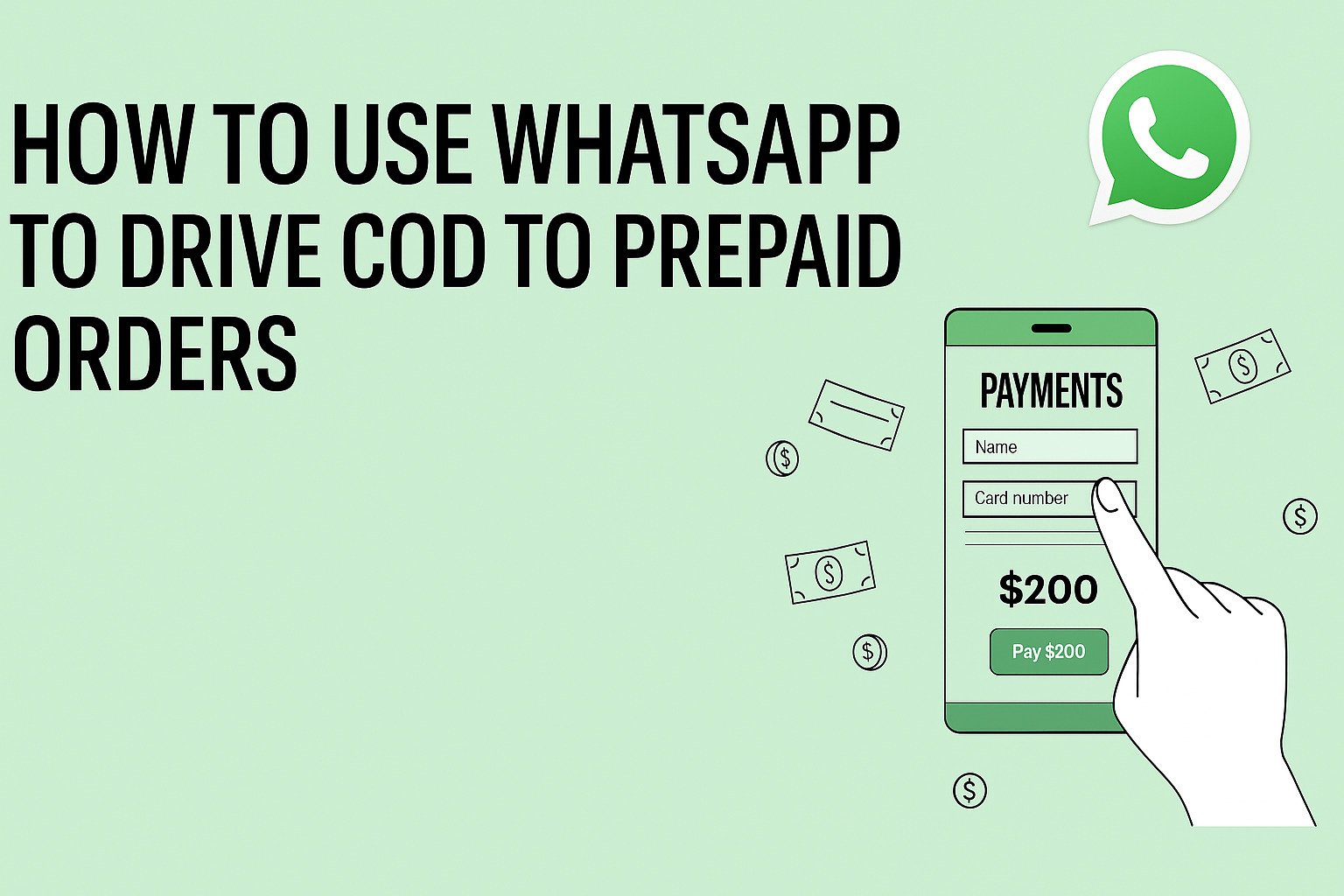
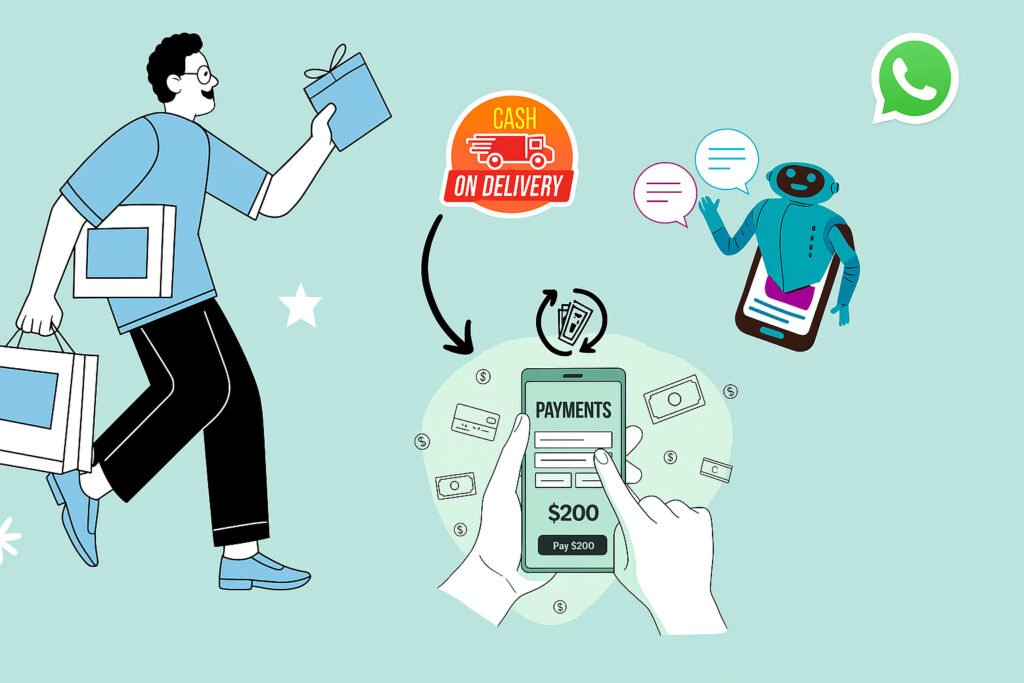
One of the smartest ways to solve this is by converting COD orders into prepaid. When done right, this not only reduces RTO but also ensures smoother cash flow. WhatsApp automation can make this process simple, fast, and scalable.
This guide explains how to use WhatsApp to convert COD orders into prepaid orders effectively.
1. Why Convert COD to Prepaid Orders?
Before we talk about strategies, let’s look at the main benefits:
- Lower RTO rate – Prepaid buyers are less likely to cancel.
- Faster cash flow – You get the payment immediately.
- Lower logistics cost – No shipping for orders that end up cancelled.
- Better efficiency – Less time spent on handling returns.
2. Using WhatsApp to Convert COD to Prepaid
a) Send Automated Payment Links
When a COD order is placed, send an automated WhatsApp message with a secure payment link. Mention the advantages, such as faster delivery or a small discount, to encourage payment.
Example:
Hi [Name], thank you for your order! Pay online now and get 5% off plus faster delivery. Your secure payment link: [Link]
b) Offer Instant Discounts or Freebies
Give customers a small reason to pay upfront. For example:
- Flat ₹50 off
- Free shipping upgrade
- Free sample product
These can be shared instantly through automated WhatsApp flows after the order is placed.
c) Create Urgency with Limited-Time Offers
A time limit pushes customers to act quickly. For example:
Complete your payment within 6 hours and get free express shipping.
d) Build Trust with Secure Payment Communication
Mention trusted gateways like Razorpay, PayU, or Paytm in your messages. If possible, use your verified WhatsApp Business account with the green tick to boost confidence.
e) Send Follow-Up Reminders
If the payment isn’t made right away, send reminders:
- First reminder after 6 hours
- Second reminder after 24 hours, possibly with an extra offer
3. Using WhatsApp Automation Platforms
With tools like TheBotMode, you can:
- Instantly detect COD orders and send payment links
- Personalize messages with names and order details
- Track conversions directly from WhatsApp
- Automate reminder sequences without manual work
4. Tips to Increase Conversion Rates
- Keep your messages short and clear
- Show the benefits of prepaid payments immediately
- Use product images or payment QR codes to make messages more engaging
- Test different incentives to see which gets the best response
Conclusion
Switching customers from COD to prepaid is not just about saving money—it’s about making your order process more reliable and profitable. WhatsApp automation can help you do this efficiently by sending quick payment links, offering small rewards, and following up at the right time.
With the right approach, you can increase prepaid orders, reduce RTO losses, and improve cash flow. TheBotMode can set up your entire COD-to-prepaid system in just a few days, helping your brand scale faster and more profitably.